
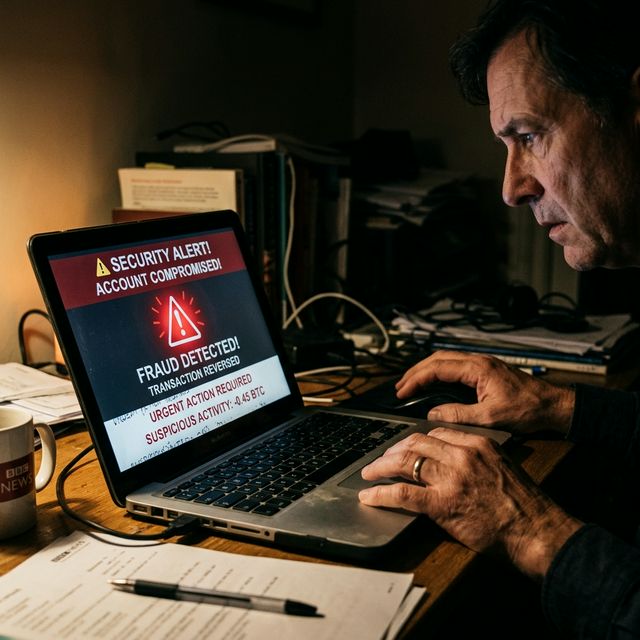
Trust Wallet is the world's most-used self-custody mobile wallet, which makes it a prime target for phishing and social engineering. The wallet itself has never been hacked in the traditional sense -- all successful attacks on Trust Wallet users exploit human behaviour, not software vulnerabilities. Attackers impersonate Trust Wallet support, create fake recovery websites, and use psychological pressure to extract the one thing that gives them total control over your funds: your 12-word seed phrase. This guide documents every major attack vector with real examples and a complete protection framework.
Attack Vector 1: Fake "Trust Wallet Recovery" Websites
This is the single most common Trust Wallet attack type. A website is created -- often appearing in paid search results for queries like "trust wallet not working," "trust wallet recovery," or "trust wallet support" -- that looks nearly identical to the real Trust Wallet interface. The site asks users to enter their 12-word recovery phrase to "restore" or "verify" their wallet.
Once the seed phrase is entered, the attacker immediately drains all funds from the wallet. The process is automated -- bots monitor the phishing site and sweep wallets within seconds of a phrase being submitted. There is no recovery. Known fake domains follow patterns like: trust-wallet-help.com, trustwalletonline.net, wallet-trust.io. The real Trust Wallet app is only downloadable from the Apple App Store or Google Play Store. Trust Wallet has no web recovery tool.
Attack Vector 2: Fake Support on Social Media
On Twitter/X, Reddit, Telegram, and Discord, scammers create accounts with names and profile pictures almost identical to official Trust Wallet accounts. They monitor conversations for users posting problems (sync errors, transaction failures, "why is my wallet balance wrong?") and then DM the user offering to help. The "help" always ends with a request for the seed phrase or a link to a fake recovery site.
Trust Wallet's official channels: @TrustWallet on Twitter/X (blue checkmark), the official Trust Wallet community on Telegram (found only via trust wallet's website), and support.trustwallet.com. No official Trust Wallet representative will ever DM you first or ask for your seed phrase in any format.
Attack Vector 3: YouTube Video Scams
Fraudsters upload YouTube videos titled "Trust Wallet Recovery Tutorial 2026" or "Fix Trust Wallet Sync Error." The video walks users through a process that involves entering their seed phrase into a form shown in the video. These videos often have hundreds of fake positive comments to build trust. Report these videos to YouTube immediately if you encounter them.
Attack Vector 4: Airdrop Scam Tokens
Scam tokens appear in Trust Wallet because the wallet displays any token sent to your address on supported blockchains. A token named "Claim 10,000 USDT -- visit [url]" appears in your wallet. Visiting the URL and connecting your wallet results in a malicious approval transaction that drains your real tokens. Trust Wallet's spam filter catches many of these but not all. Never interact with tokens you did not purchase or request.
Red Flags Summary Table
| Red Flag | What It Means | Action |
|---|---|---|
| Any site asking for 12-word phrase | 100% scam -- no exceptions | Close immediately, report URL |
| Support account DMs you first | Impersonator | Block, report to platform |
| "Verify" or "sync" your wallet online | Phishing tactic | Ignore, use only the official app |
| Unknown token with high value in wallet | Airdrop scam | Do not interact, hide the token |
| Google Ad for "Trust Wallet Support" | Often paid phishing placement | Go directly to trustwallet.com only |
What to Do If You Entered Your Seed Phrase
Act immediately. Create a brand new wallet in Trust Wallet (or any other wallet app). Copy your wallet address. Do not send funds to this address yet. Instead, from the compromised wallet, immediately transfer all tokens to the new address. Do this as fast as possible -- attackers often have bots that sweep compromised wallets, but manual entry sometimes gives a short window. If the funds are already gone, report to trust wallet support and your local police cybercrime unit. See our Trust Wallet security guide for full prevention measures.